![abtrace-logo-colour@2x-3.png]](https://help.abtrace.co/hs-fs/hubfs/abtrace-logo-colour@2x-3.png?width=124&height=60&name=abtrace-logo-colour@2x-3.png)
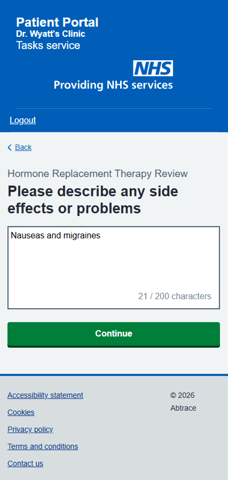
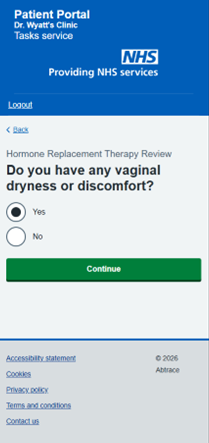
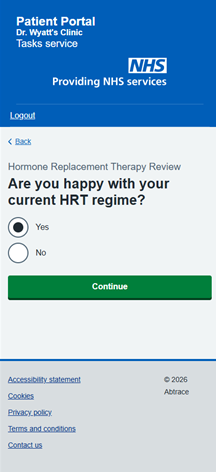
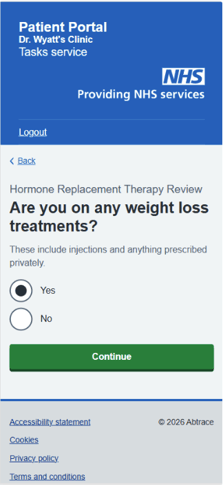
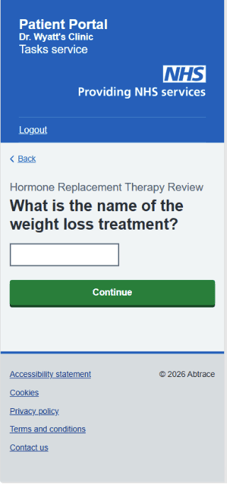
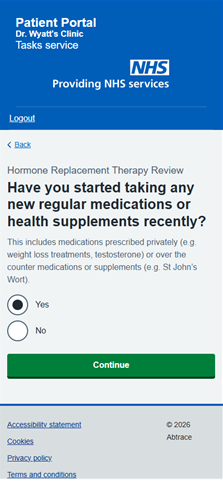
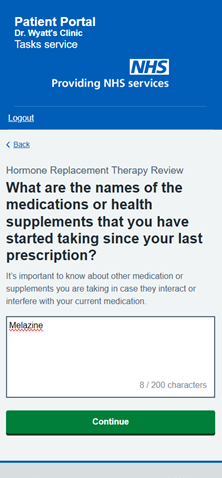
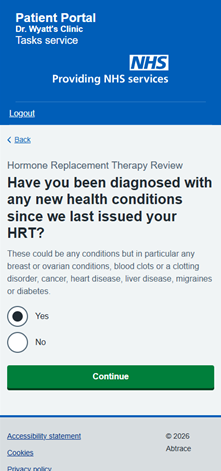
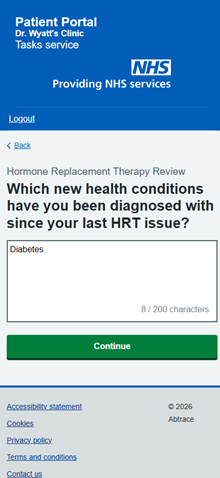
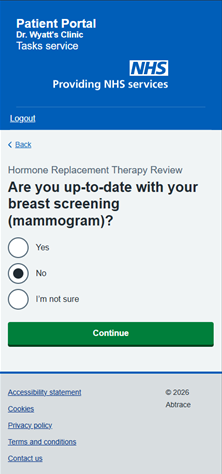
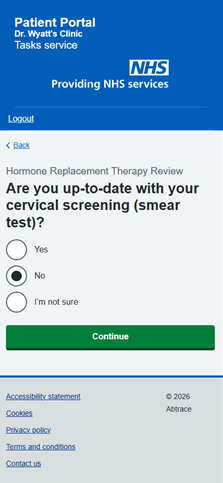
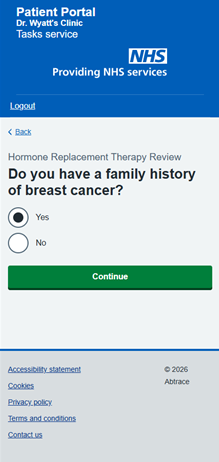
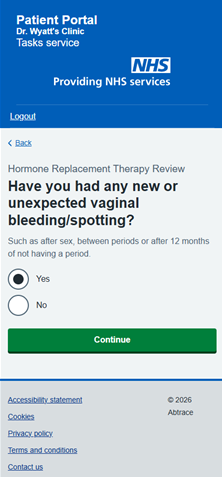
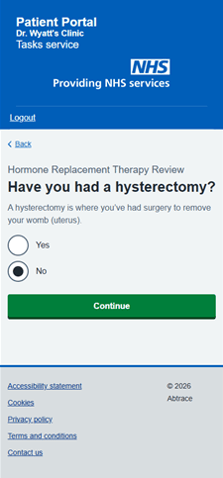
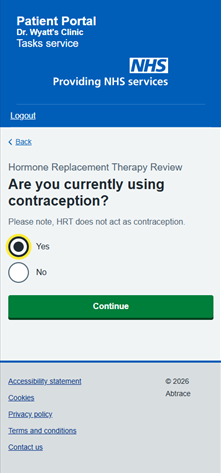
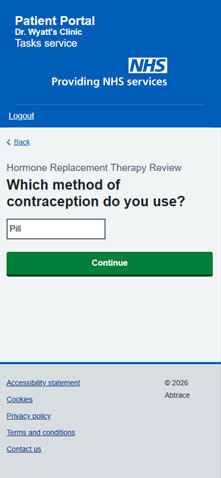

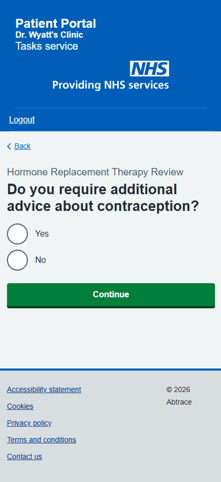
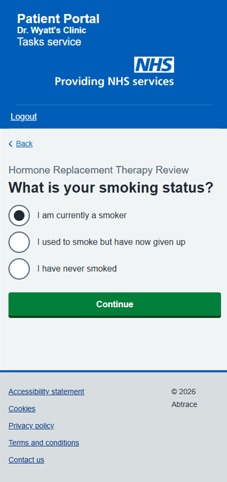
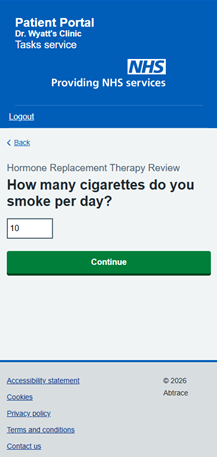
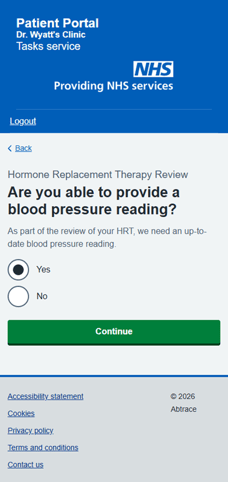
📋SNOMED codes saved to EHR
- Smoker -77176002
- Cigarette Consumption - Value /day -230056004
- Ex-smoker-8517006
- Never smoked tobacco -266919005
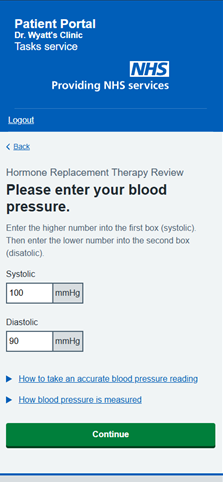
- Self reported systolic blood pressure (observable entity)-1162737008
- Self reported diastolic blood pressure (observable entity)-1162735000
- Blood pressure recorded by patient at home-413153004
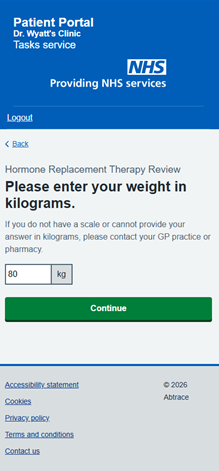
- Body weight (observable entity)-27113001
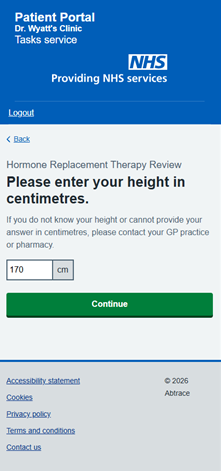
- Standing height (observable entity)-248333004
- Body mass index (observable entity)- 60621009
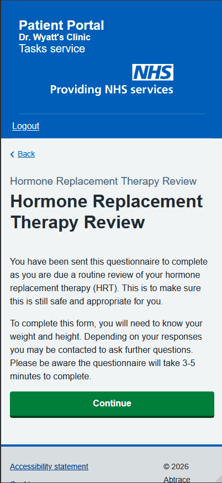
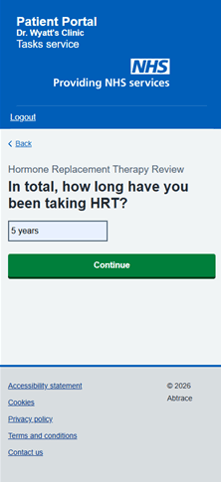
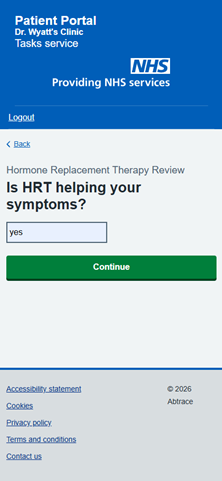
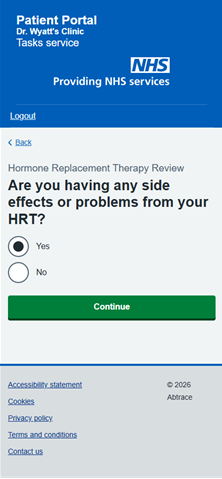
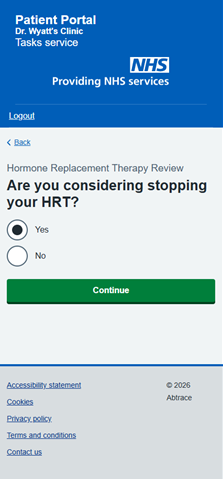
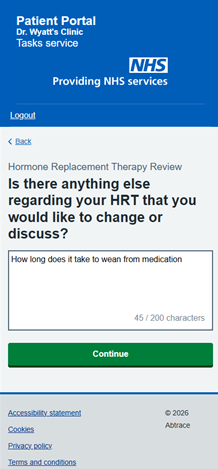
- Hormone replacement therapy review (regime/therapy)-134428006
⚙️ Associated Monitoring Rules
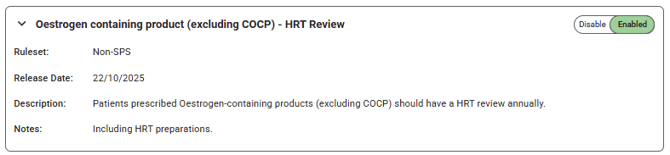
To use the Hormone Replacement Therapy (HRT) Questionnaire, the relevant monitoring rules associated with Hormone Replacement Therapy review as a task must be enabled.
To enable Hormone Replacement Therapy review rules:
- Head to the User Management Portal.
- Navigate using the left-hand panel to Rules Management.
- Search for "Oestrogen containing product (excluding COCP) - HRT Review"
🔍 How BMI is calculated
The BMI is calculated by dividing an adult's weight in kilograms by their height in metres squared.
For example, if a patient weighs 70kg and is 1.70m, then BMI is calculated by:
1. squaring height in metres: 1.70 x 1.70 = 2.89
2. dividing by weight in kilograms: 70 ÷ 2.89 = 24.22
The calculated BMI will be displayed in one decimal place, for example, 24.2.
❓ Want to Understand How Questionnaires Work?
If you're looking to understand how Questionnaires operate more generally, check this help article.